Specify once. Start the next project ahead.
Build your list. Be ready for the next one.
Keep furniture specifications, options, and quantities in reusable project lists. Copy a list for the next location, adjust it, and get the order moving.
A STARTING POINT FOR YOUR LISTCollection picks
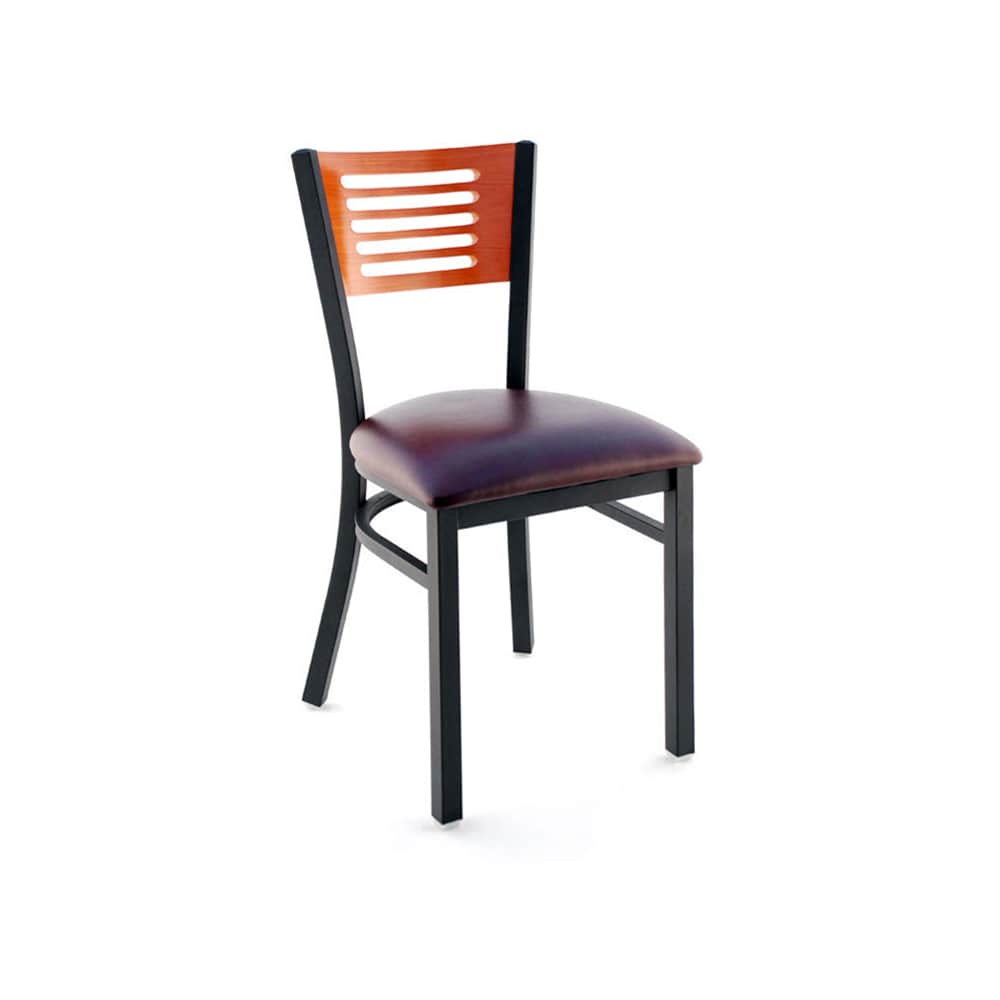
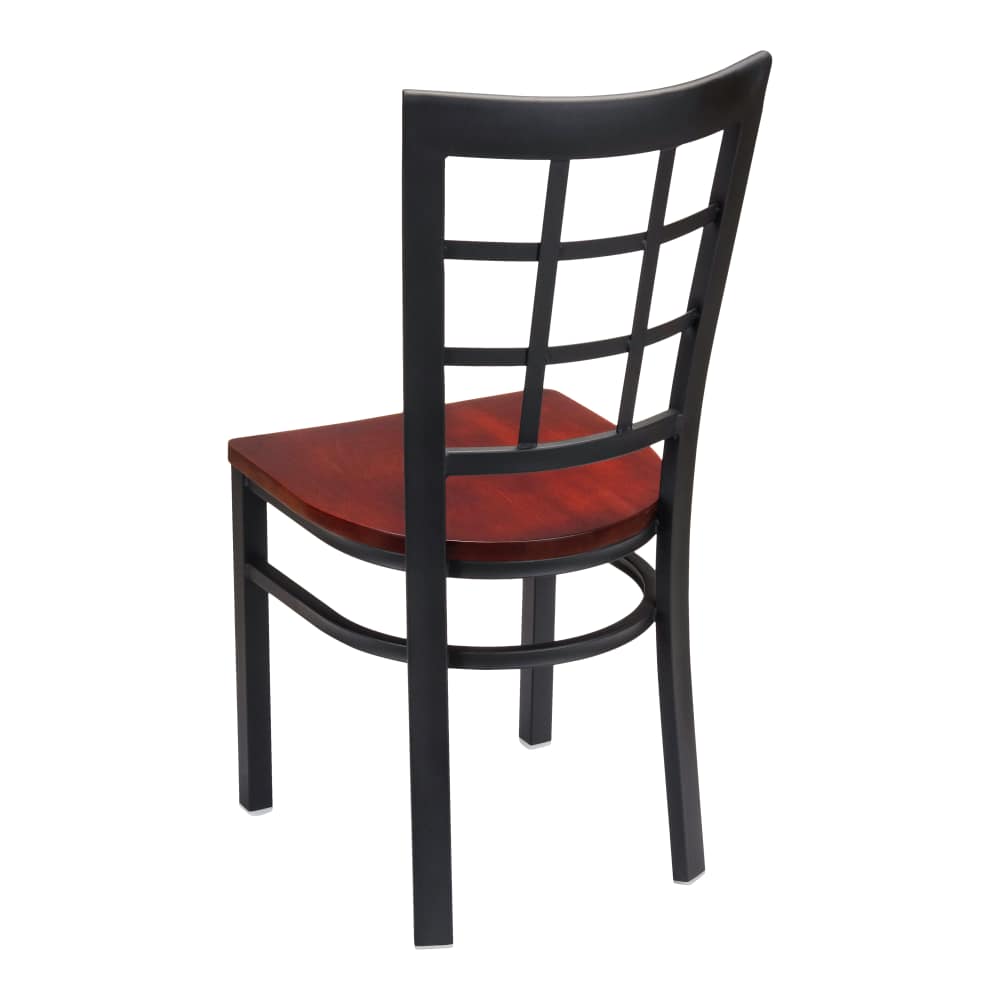
 Dining chair selection, Metal ladder-backChairsFrom $68.00
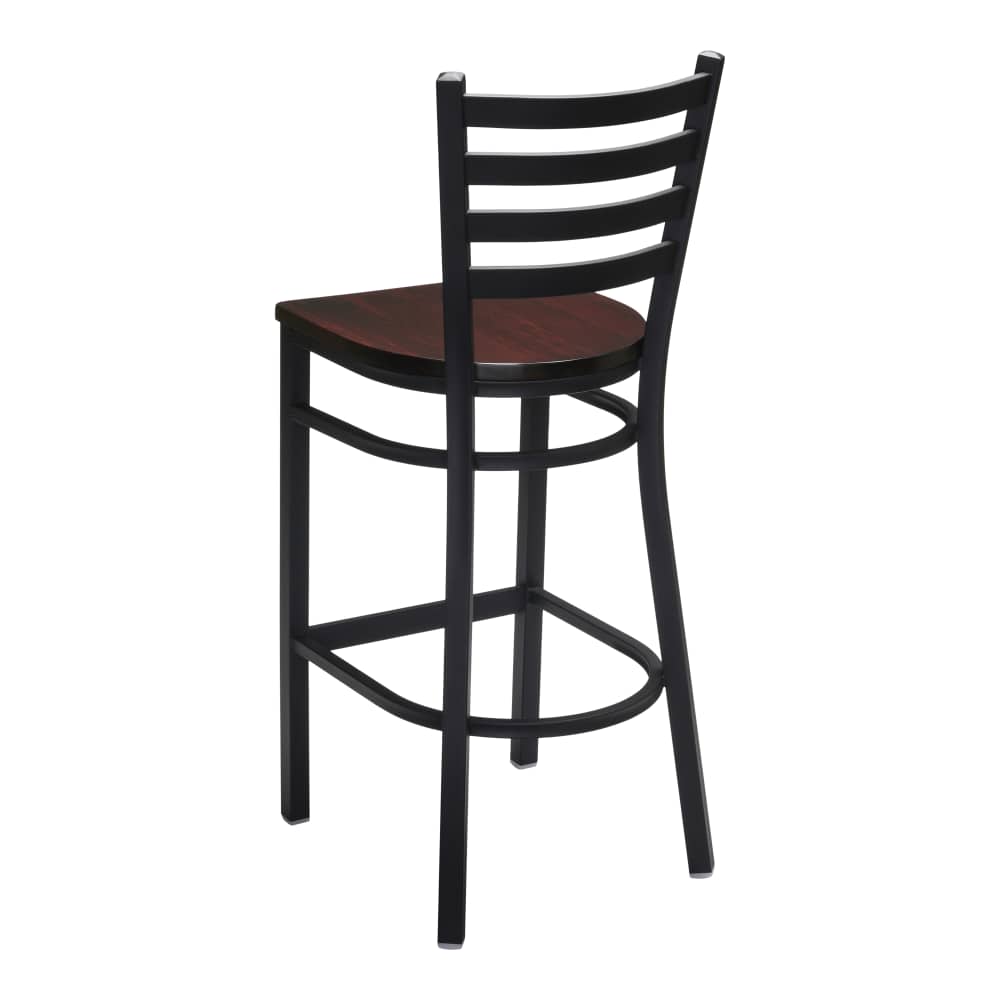 Bar stool selection, Ladder-back metalBar stoolsFrom $91.00
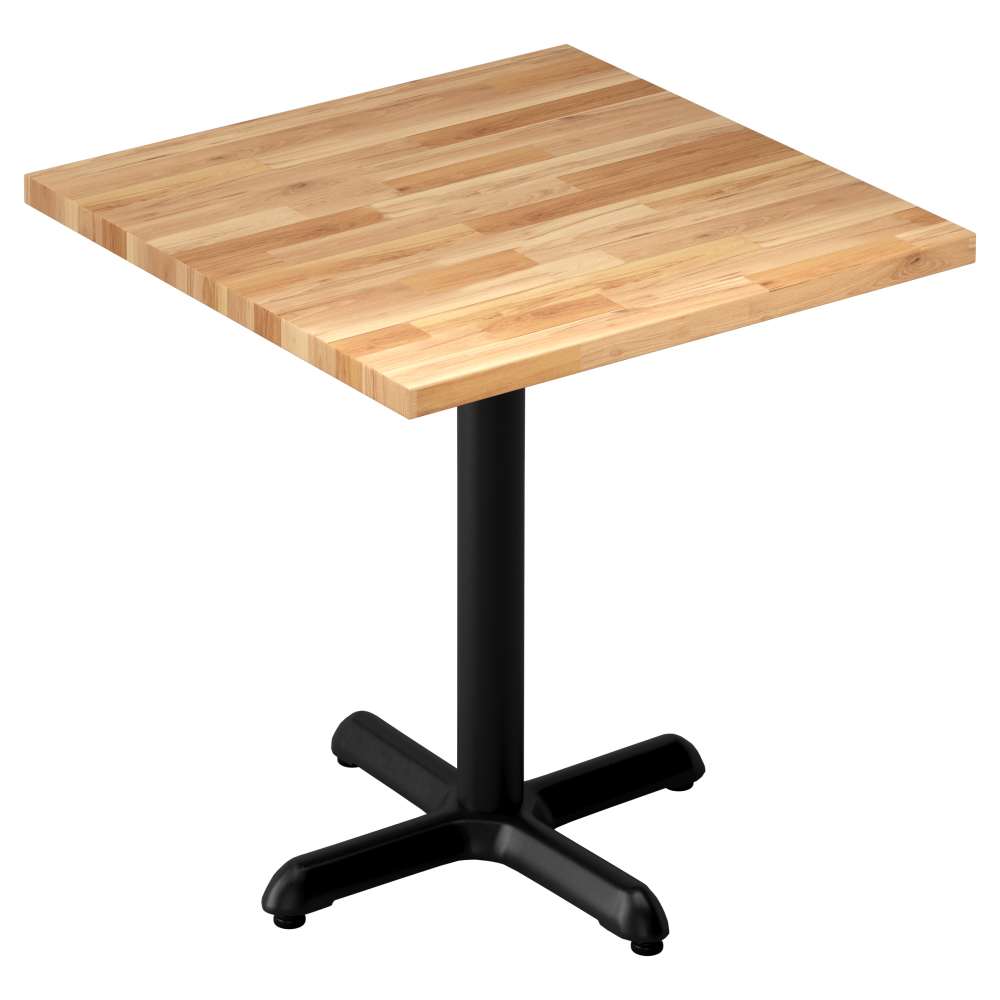 Tabletop selection, Solid wood butcher blockTable topsFrom $141.00
Project lists
Your next order starts with this one.
Specify the first list
Keep model numbers, selected options, and quantities together for a location or phase.
Keep a reusable starting point
Save the configured list in this browser before sending your order.
Copy for the next project
Duplicate a saved list, adjust quantities, and review current prices before using it again.
No account needed. Saved projects stay in this browser on this website.
From first opening to the next
A good specification earns its second use.
A furniture list becomes more useful when someone else can follow it. Keep the model, selected options, selling unit and room name on the same line. That makes a future refresh easier to review.
Prepare a reusable schedule →Organize the job
Give each area its own schedule.
Room groups keep repeated furniture and local changes easy to distinguish.


Project lists
From selected models to an order you can repeat.
Specify one complete line
Choose the model, size and finish before assigning a quantity. One configured line describes one version.
Give every area a name
Group the schedule by room. Duplicate a saved room to carry its selections into another area.
Review before you repeat
Check current prices and options, revise quantities for the new location, then send the reviewed basket.
Choose a category
From the first chair to the last table.
Restaurant chairs465 products
Restaurant bar stools308 products
Restaurant table tops60 products

Restaurant table bases35 products
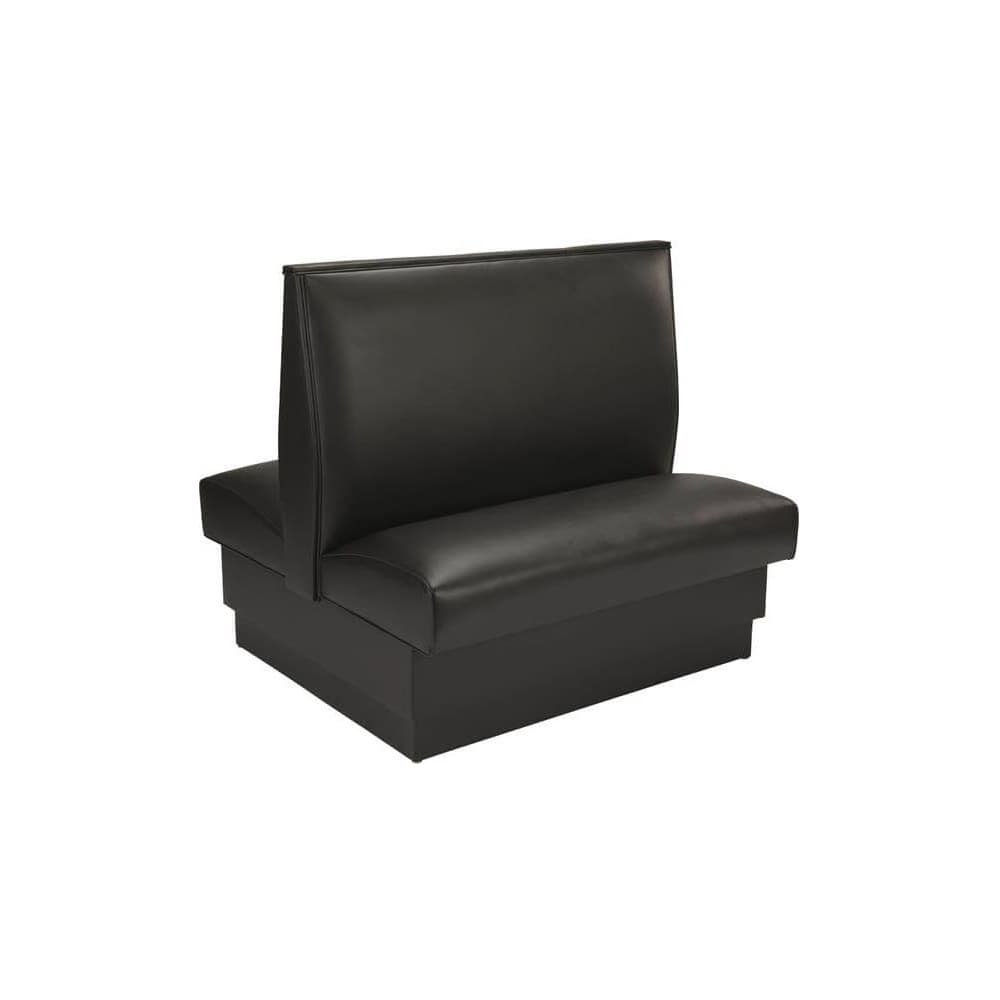
Restaurant booths46 products
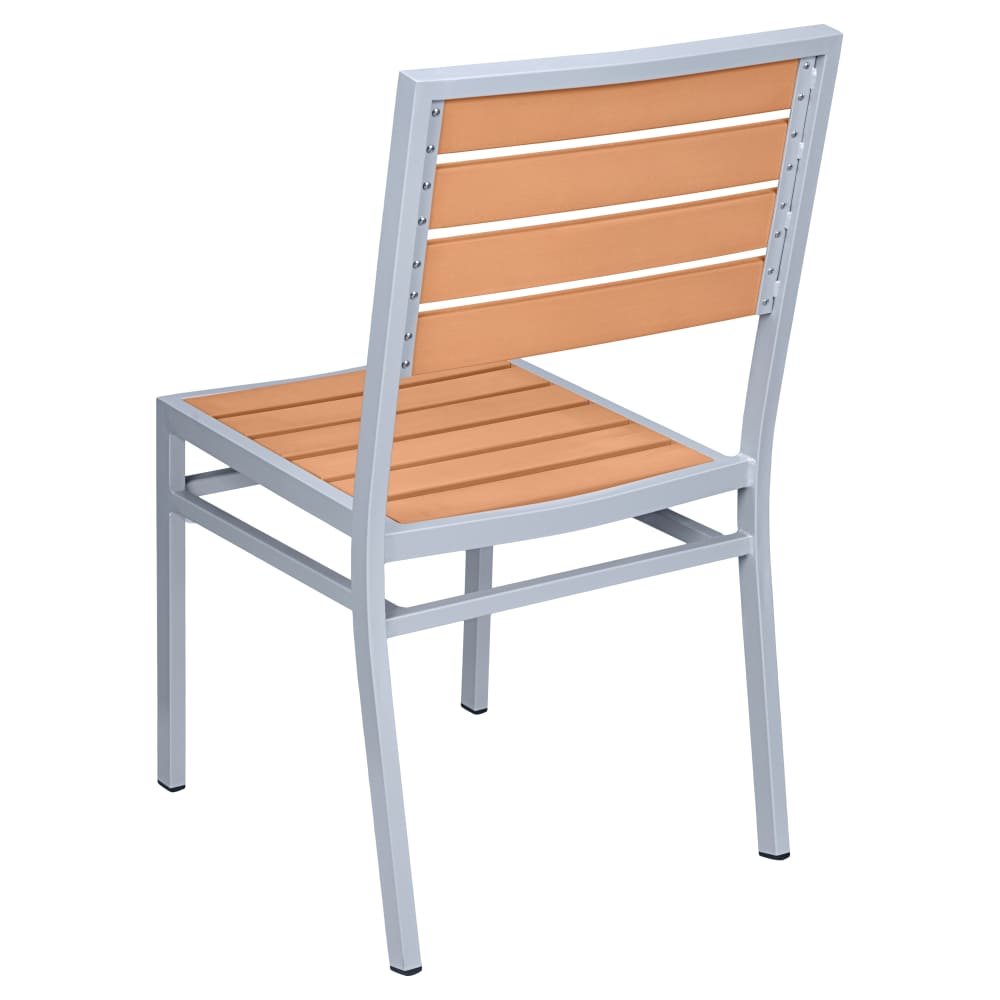
Outdoor restaurant furniture281 products
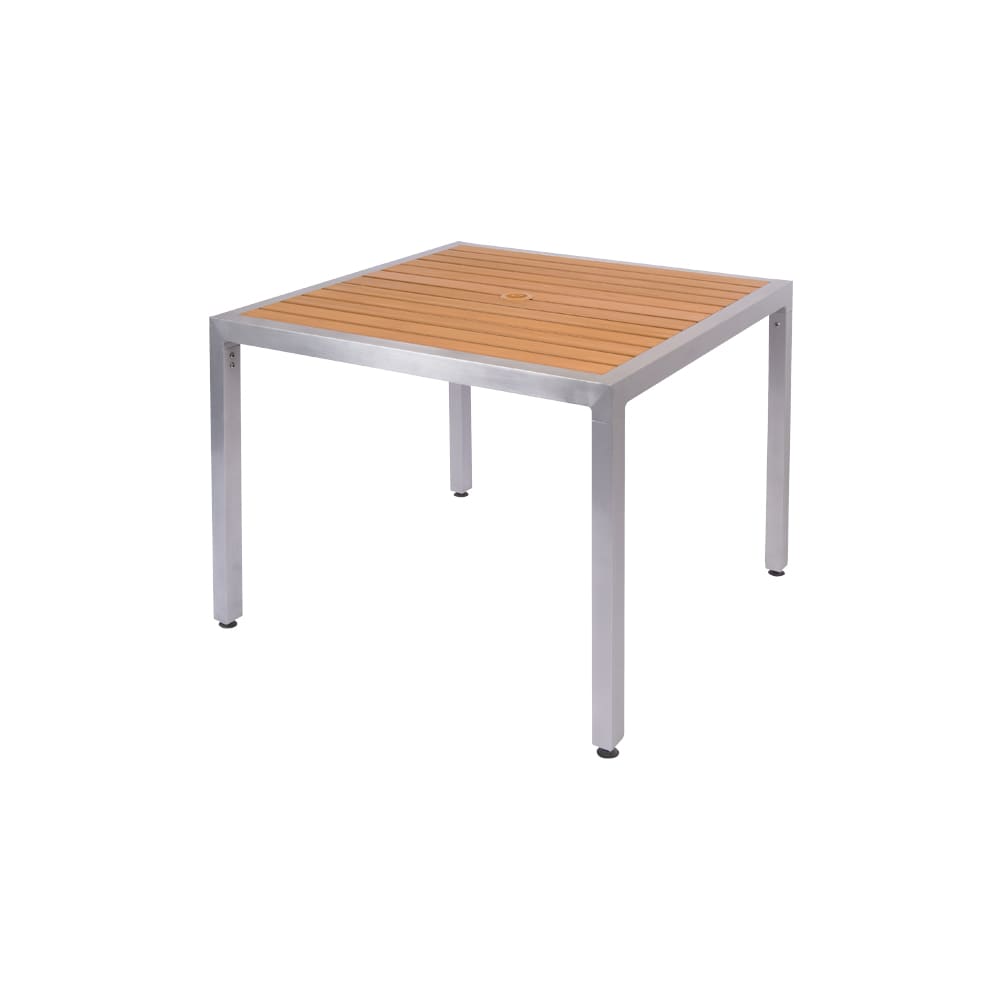
Restaurant tables89 products
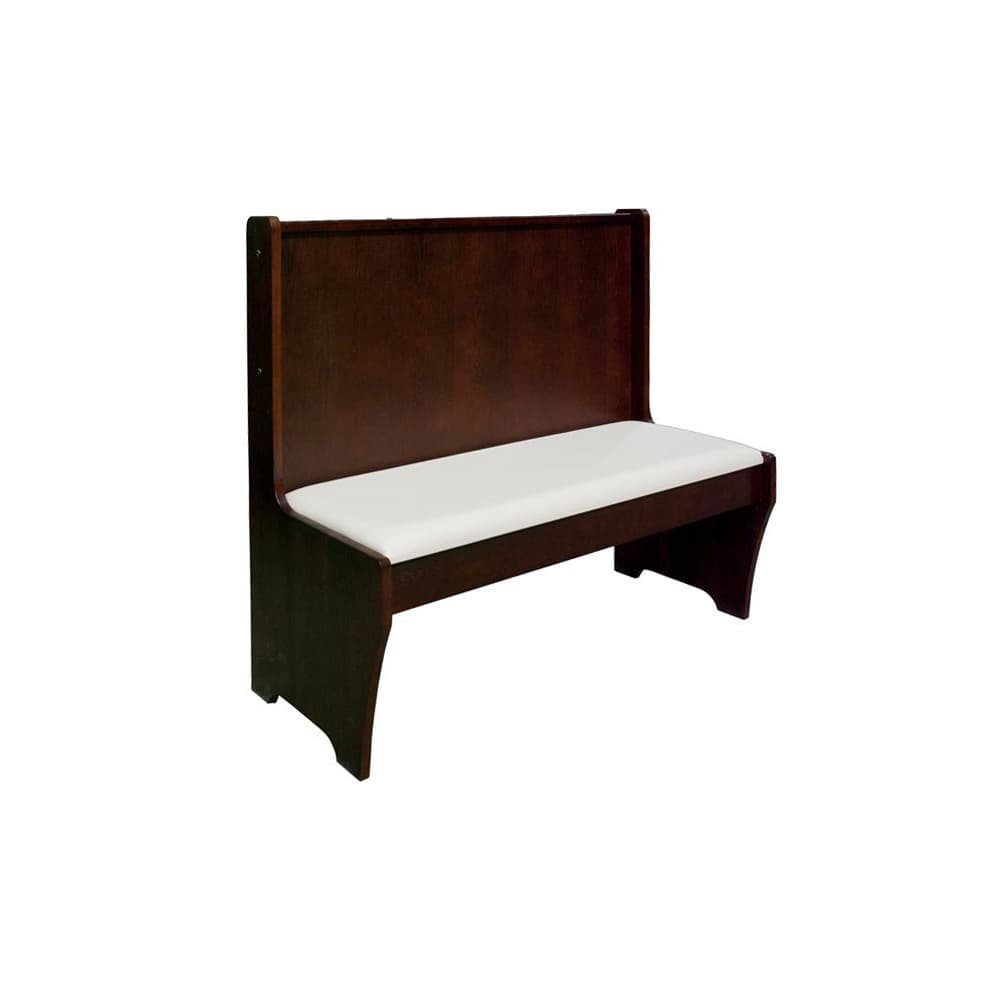
Benches and lounge seating12 products

Furniture accessories19 products
Furniture collections258 products
Add to your plan
Build your list from here.
1051 products to explore.
Choose your finish. Set your quantity.
Chairs FRU-110
Dining chair selection, Metal ladder-back
17" W x 20" D x 32" H
From $68.00Configure item
Bar stools FRU-110-BS
Bar stool selection, Ladder-back metal
17 1/4" W x 19" D x 42" H
From $91.00Configure item
Field notes
Useful details for the next job.
Field notes
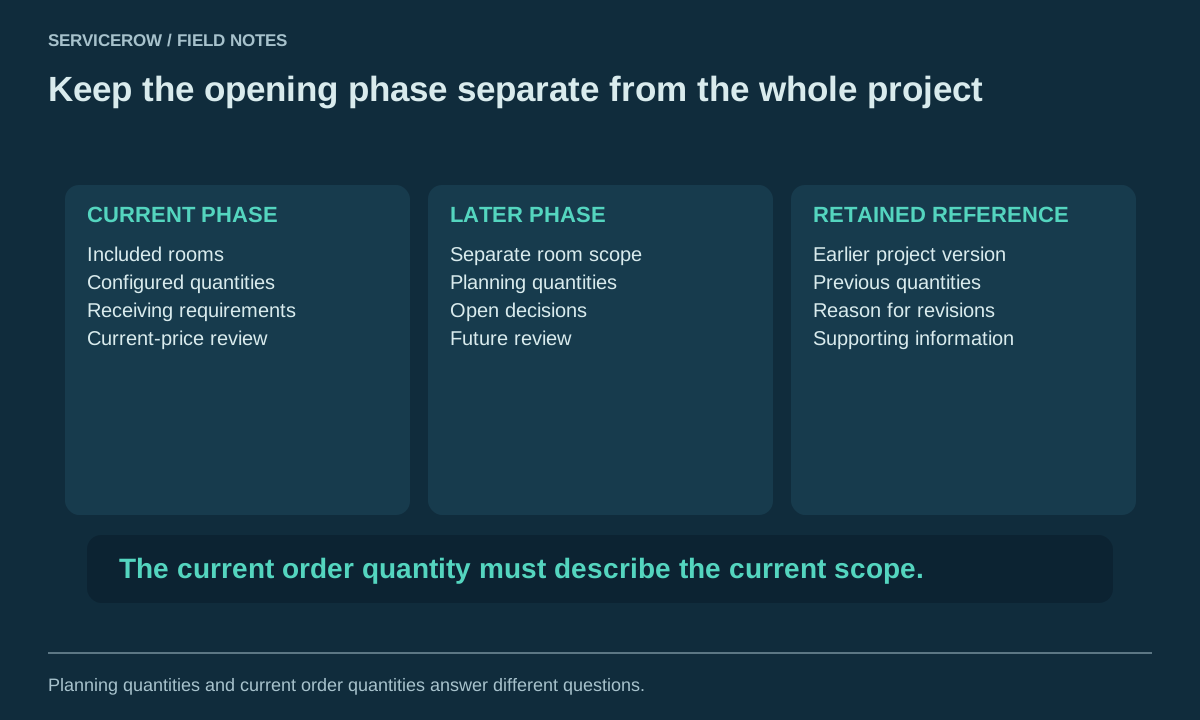
Check restaurant furniture quantities before a phased opening
A project quantity is useful only when its scope is clear. The count might describe one room, the first opening phase or every location in a wider…
Read moreMaterials & finishes
Record the option that was actually selected.
A useful specification includes more than a model number. Record the frame finish, seat material, surface choice, and any required dimensions offered…
Read more
Room planning
A room name makes the list easier to use.
Group furniture by the area receiving it. Clear room names reduce the chance that a repeated model or finish is assigned to the wrong location during…
Read moreYour next step
Build once. Use again.
Save complete configurations by project, then duplicate a list for the next location or refresh.