Frequently asked questions
Questions that come up while specifying.
Check how saved configurations, project copies, and order records work before handing over a list. The project help pages cover the full process.
Do quantities count individual pieces?
Use the selling unit on each product. Some listings are sets, so a quantity of one may refer to a set rather than one chair or component.


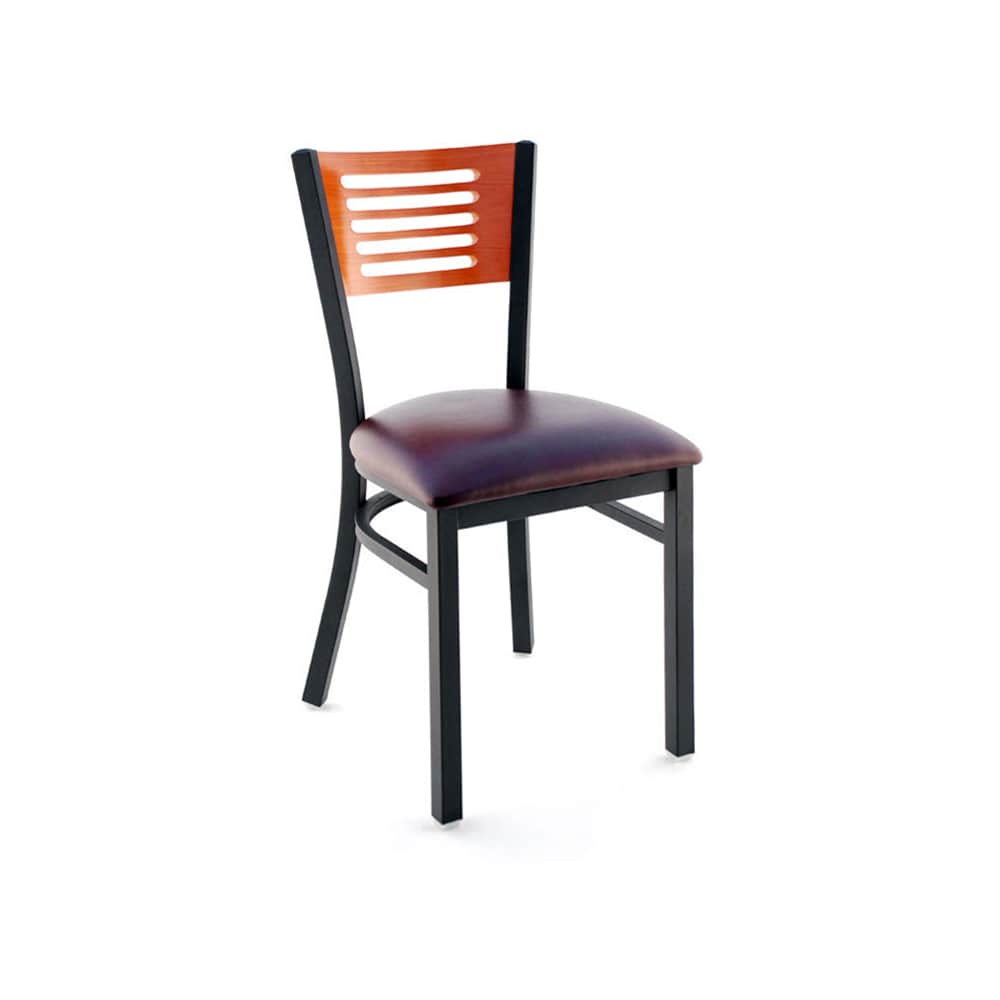
Can the same list be used for another location?
Duplicate the project or a named room, then adjust the new copy. The original selection remains independent.
Are saved lists checked against the current catalog?
Current prices and available options are reviewed before transfer to the basket. Changes need acceptance before the selection continues.
Does editing a list change a sent order?
No. The submitted order keeps its own snapshot. Use its reference when discussing changes.
Can another team member open my saved list?
Not through a sharing link yet. Access is tied to the browser and site. A downloadable project sheet can be used as a separate reference.
Is the preview ready for customer payments?
There is no payment collection on the website. Current orders are internal test records while business and fulfillment details are finalized.
What makes a project line reusable?
A complete line identifies the SKU, selected options, selling unit, quantity and intended room. Keep any placement or compatibility note with that line. Use project lists to save the configured version so a later reviewer can distinguish it from another finish of the same model.
What does Duplicate this room carry forward?
It copies the saved furniture, selected finishes, quantities and item notes into a new room group. The new group can be changed independently. Review the new room's dimensions and use before treating the copied quantities as correct.
Can a downloaded sheet become the next order?
The sheet is a record of a saved version. Reopen the project and review current prices and options before adding its items to the basket. The order guide explains the separate review and sending steps.
How should separate components be recorded?
Keep each component as its own configured line unless the product is explicitly sold as a complete set. Check what is included and confirm mounting or size compatibility. A common finish label is not a compatibility specification.
Can I use the same list at another location?
Yes, as a starting point. Duplicate the project, revise the room names and quantities, and check the new site's constraints. The room planning notes and receiving checklist help identify what needs a fresh review.
Where are final business terms shown?
The preview uses placeholders while the operating details are prepared. Availability, fulfillment, charges and the applicable returns and change terms require confirmation before real customer orders are accepted.